FREEOPEN SOURCE
Tap Zap for Linux.
Make your screen warmer, turn it red, or dim it.
Get Tap Zap for Linux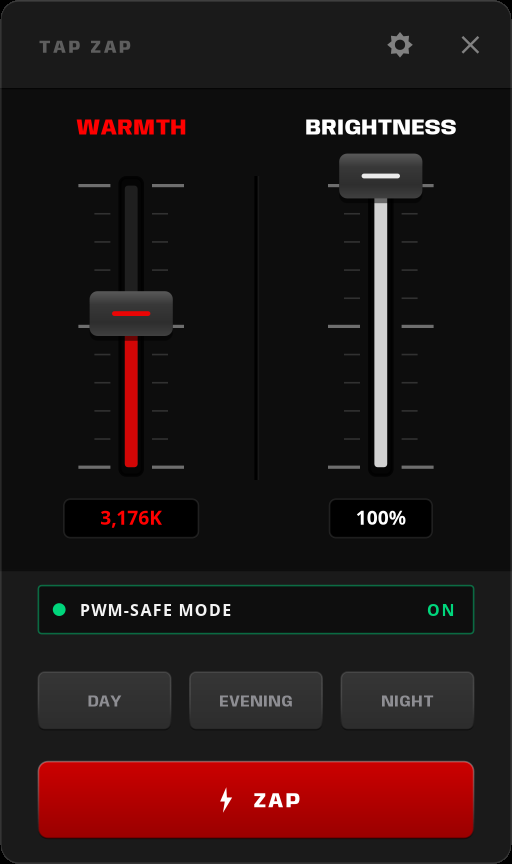
Choose your Linux setup
ONE MORE THING
One quick check.
Check which session you use before downloading.
Not sure? Find out in two steps
Open Terminal, paste this, and press Enter. It shows your desktop and session.
printf 'Desktop: %s\nSession: %s\n' "$XDG_CURRENT_DESKTOP" "$XDG_SESSION_TYPE"SUPPORT / LINUX BETA
Need a hand?
System requirements and how dimming works
The beta is for 64-bit x86 Linux computers. The Pop!_OS 24.04 amd64 DEB requires the separate TAP ZAP COSMIC (prototype) login session. COSMIC validation used a virtual machine; physical hardware, PWM and HDR remain unvalidated. Older packages require glibc 2.38 or newer. The Mint candidate targets Mint 22.3 Cinnamon on native X11 with glibc 2.39 and the runtime dependencies in its setup guide. Mint validation used a virtual machine; testing on a native Mint installation is still pending.
Software dimming changes display output; it does not lower the panel’s physical backlight. PWM-Safe is a separate experimental setting that adjusts hardware brightness. If anything looks wrong, use OFF or Quit.
ALSO ON MAC + WINDOWS
Tap Zap on your other computer, too.
Native editions for MacOS and Windows.
 MacOS
 Windows
ALSO AVAILABLE
Tap Zap for MacOS and Windows.
OPEN SOURCE
Linux source is public.
Tap Zap for Linux is free and open source. This is an experimental beta.
GPL-3.0-or-later Linux edition license
View source on GitHub
Bitcoin mainnet · on-chain
bc1qcxqx4rj8at43vd0fvj3qpedd6h4kjeem2l337e