“The same brightness percentage means the same light”
No: a percentage is a requested control value. Displays can use different electronics, curves and modes, so two screens at 30% need not match in luminance or temporal behavior. The hardware-brightness guide explains when model-specific evidence can support a useful operating range.
“100% hardware brightness makes every screen flicker-free”
Some displays reduce or remove brightness-control PWM at higher settings; others have different or additional temporal behavior. Maximum brightness is a condition to measure, not a universal safety setting. Start at a comfortable setting rather than forcing maximum output.
Use the measurement checklist to evaluate exact-model claims and their operating conditions.
“Software dimming repairs the display’s PWM controller”
Image dimming changes values, not the panel electronics. The PWM and software-dimming worked examples separate a duty-cycle calculation from RGB scaling. The transfer-table reference explains possible tonal-range and quantization tradeoffs.
“No phone-camera bands means no modulation”
A camera samples light with its own timing. It can hide a waveform or turn it into bands that depend on exposure. The phone-camera protocol explains what to record and why a clip cannot certify frequency, depth or safety.
“DAY is the same as turning a filter off”
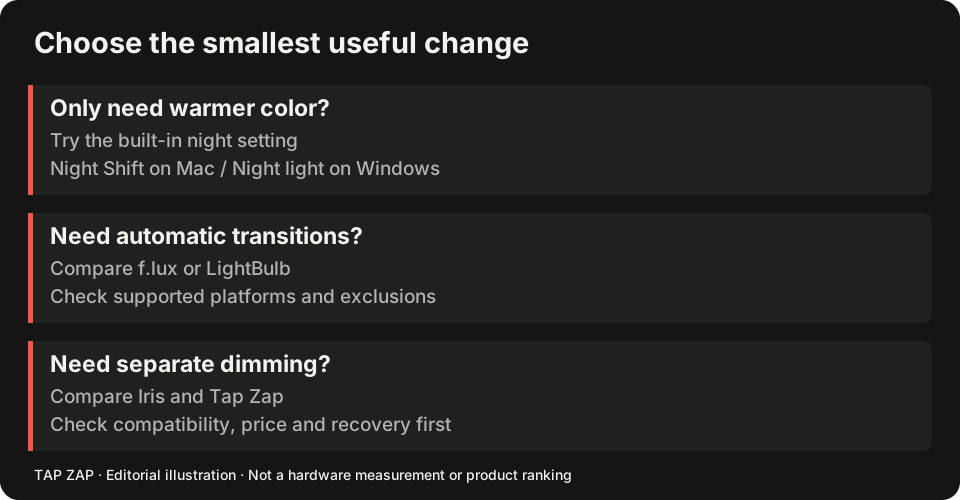
In Tap Zap, DAY is a warm preset. Use ZAP off to compare ordinary appearance, and Quit to verify restoration. For final color judgments, follow the creative-work off-state checklist. If you are still choosing a control, start with the Mac or Windows guide.
About this guide
Written by Tap Zap. We make the software discussed here. Updated 10 October 2026 to distinguish product behavior from display-specific measurements and health outcomes. The linked documentation and studies explain the scope of these claims. Read our editorial policy, evidence limits and corrections process.
Compare screen controls · All guides · Downloads and compatibility