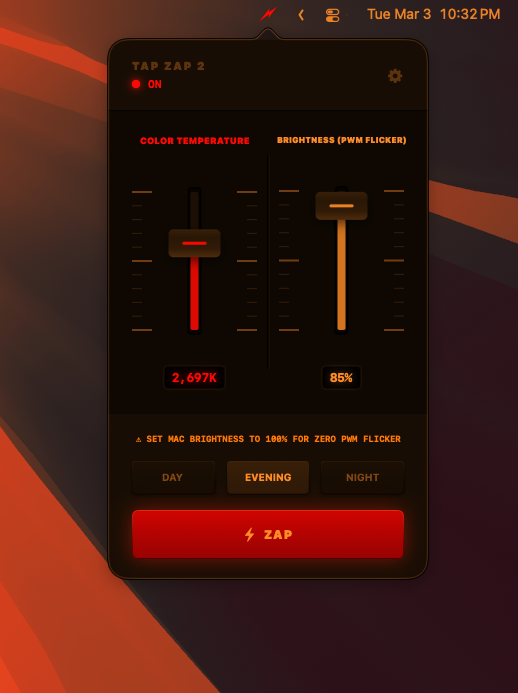
Tap Zap is a system-level display controller for macOS and Windows. Reach true 0K red. Eliminate PWM flicker. Lock your backlight. Sub-1MB. No telemetry. No account.
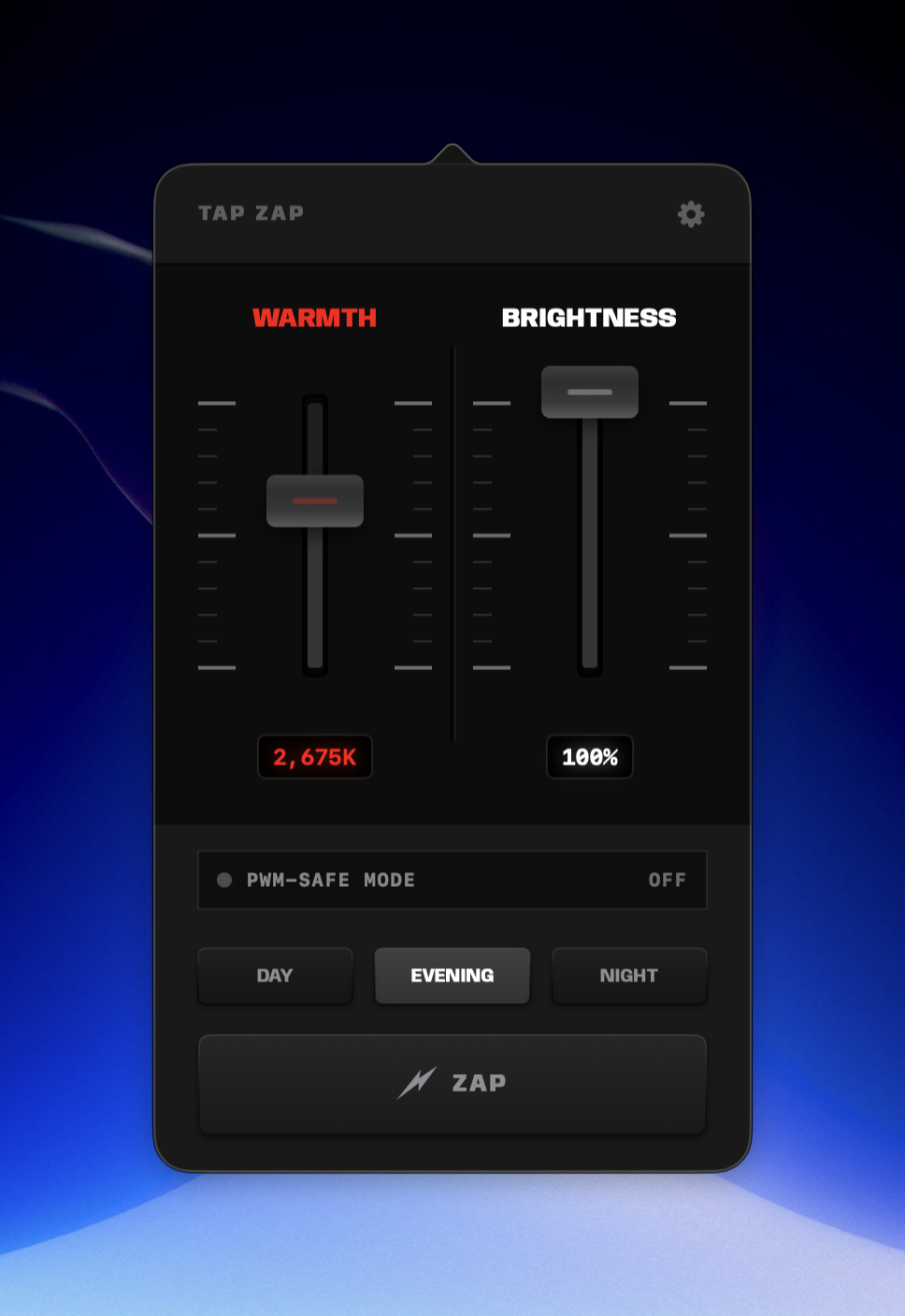
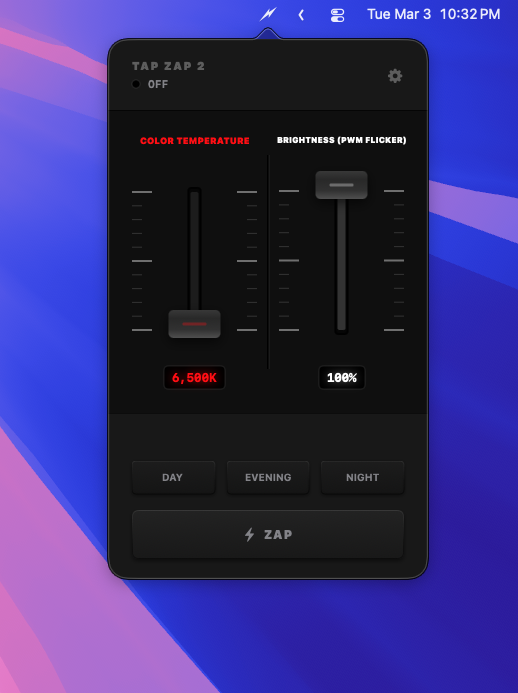
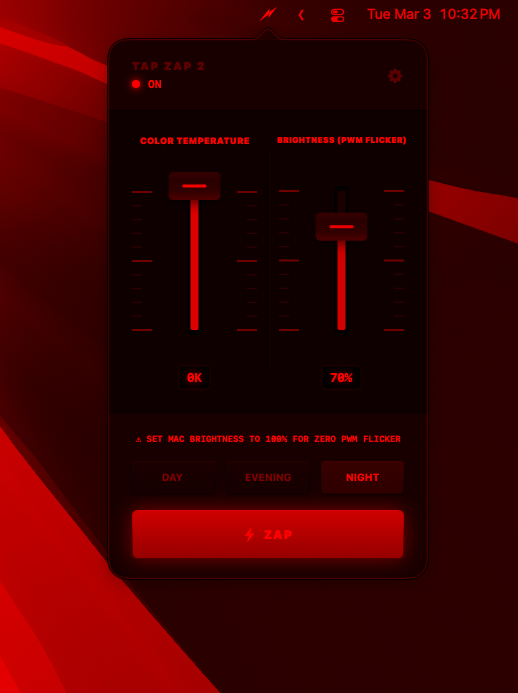
Drag the WARMTH slider from neutral 6,500K all the way down to pure red — zero blue, zero green pixels firing. Most apps stop in the 2,500–3,000K range. Tap Zap keeps going. Works on every monitor: built-in, external, HDMI, USB-C, projector. No hardware required.
CGSetDisplayTransferByTable). Windows uses the Magnification API color matrix. Both apply at the OS compositor — no monitor support needed.
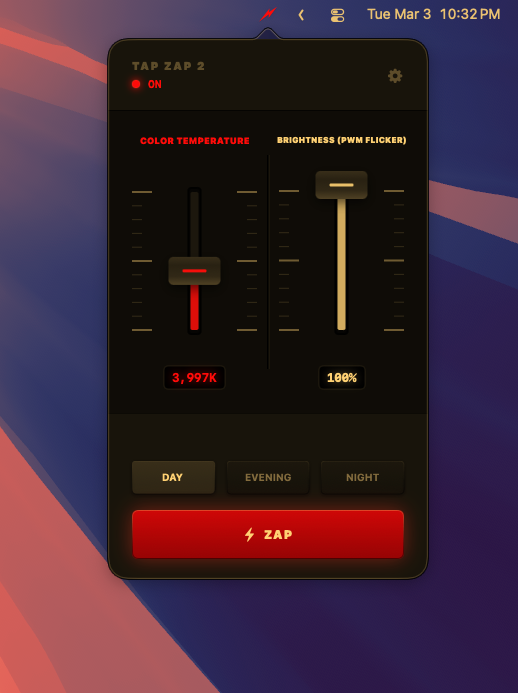
Three buttons mapped to exact Kelvin points on the warmth curve. Tap one, the slider snaps. The active preset highlights when your slider sits within tolerance — so you always know where you are.
When you lower your screen brightness, most displays rapidly flash on and off hundreds of times per second. You can't see it, but your eyes and brain feel it — headaches, fatigue, eye strain. Tap Zap dims your screen without any flicker.
The BRIGHTNESS slider in the app is software dimming — it darkens every pixel in the gamma table instead of pulsing the backlight. Smooth, constant light, no flicker frequency.
When you lower your monitor's hardware brightness, the panel itself starts pulsing the backlight — that's PWM, and it happens before Tap Zap ever touches the signal. PWM-Safe Mode pins your hardware backlight at 100%, then dims in software. No more pulsing panel.
No setup wizard. No account. No sign-in. Install, click the red ZAP button, and your screen is filtered. Click again to clear it. The whole app is sliders, three presets, and one big button.
Try it —
Tap Zap automatically detects every display connected to your computer — built-in, external, or docked. The filter applies to all of them. Plug in a new monitor and it picks it up instantly.
macOS build is single-file Swift, compiled with whole-module optimization, universal binary (arm64 + x86_64). Windows build is pure Win32 + Magnification API, no .NET, no UWP. Both are under 1 MB. They start instantly and use almost no memory or CPU.
Night Shift, f.lux, and Windows Night Light only go partway. They warm the picture but blue pixels are still firing. Tap Zap is the only app that reaches true 0K — and the only one that addresses PWM flicker through the BRIGHTNESS slider and PWM-Safe Mode.
Install Tap Zap and see the difference within a minute. macOS and Windows. One-time purchase. No subscription. Three-device license.